Native Tools Stop at Their Own Boundaries
Cloud and platform specific security tools cover only the environments they were built for, forcing teams to piece together risk across separate consoles and data models.
Cloud choice creates flexibility, but separate tools and controls make it difficult to maintain consistent protection when applications span platforms.
Cloud and platform specific security tools cover only the environments they were built for, forcing teams to piece together risk across separate consoles and data models.
When each environment requires its own policies and workflows, controls become harder to maintain and protection changes based on where a workload runs.
Security services that depend on a constant cloud connection can leave gaps across private cloud, on premises, disconnected and air gapped environments.
Extend security from code through runtime while maintaining consistent visibility, policy and enforcement across every environment.
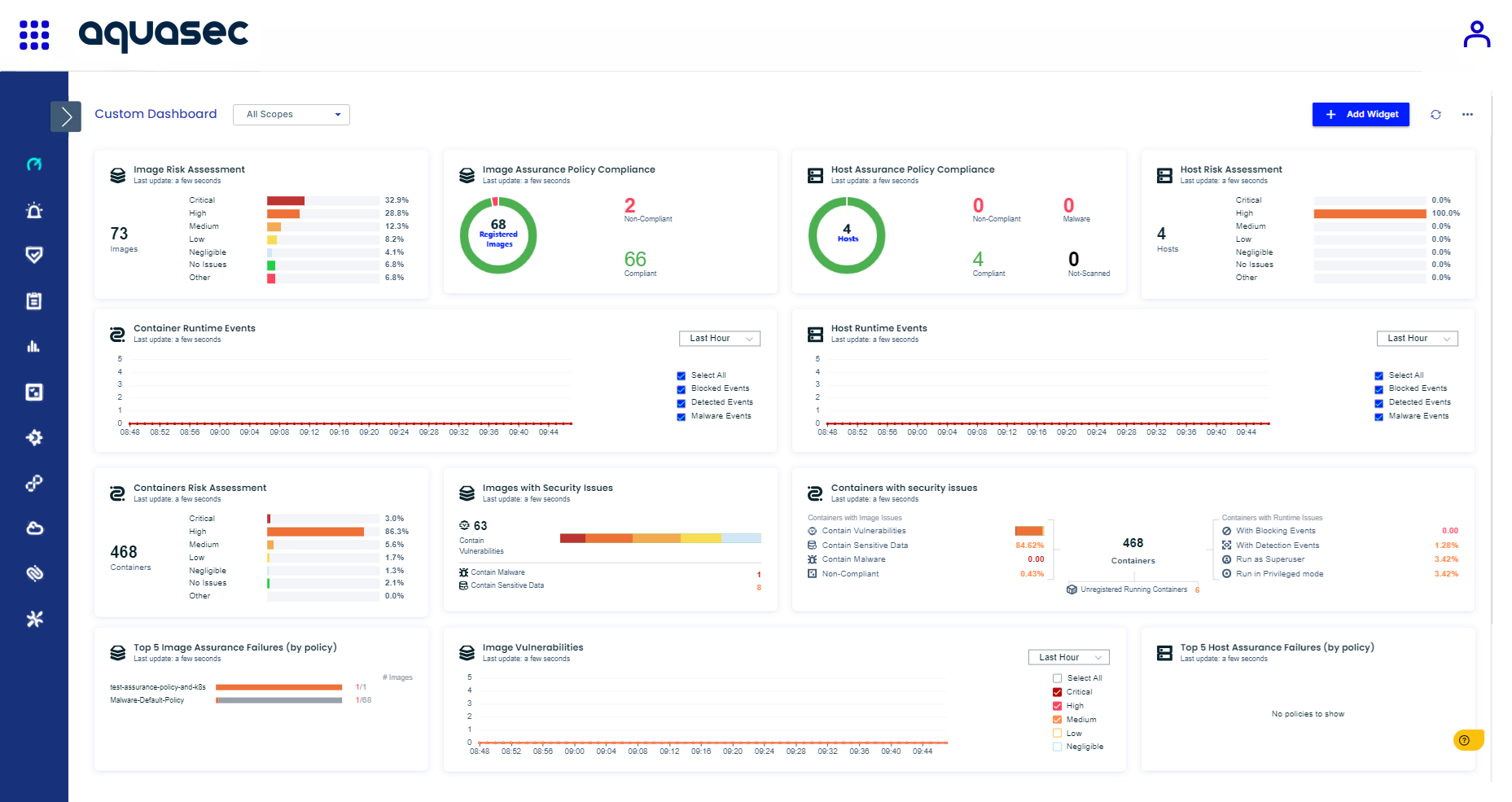
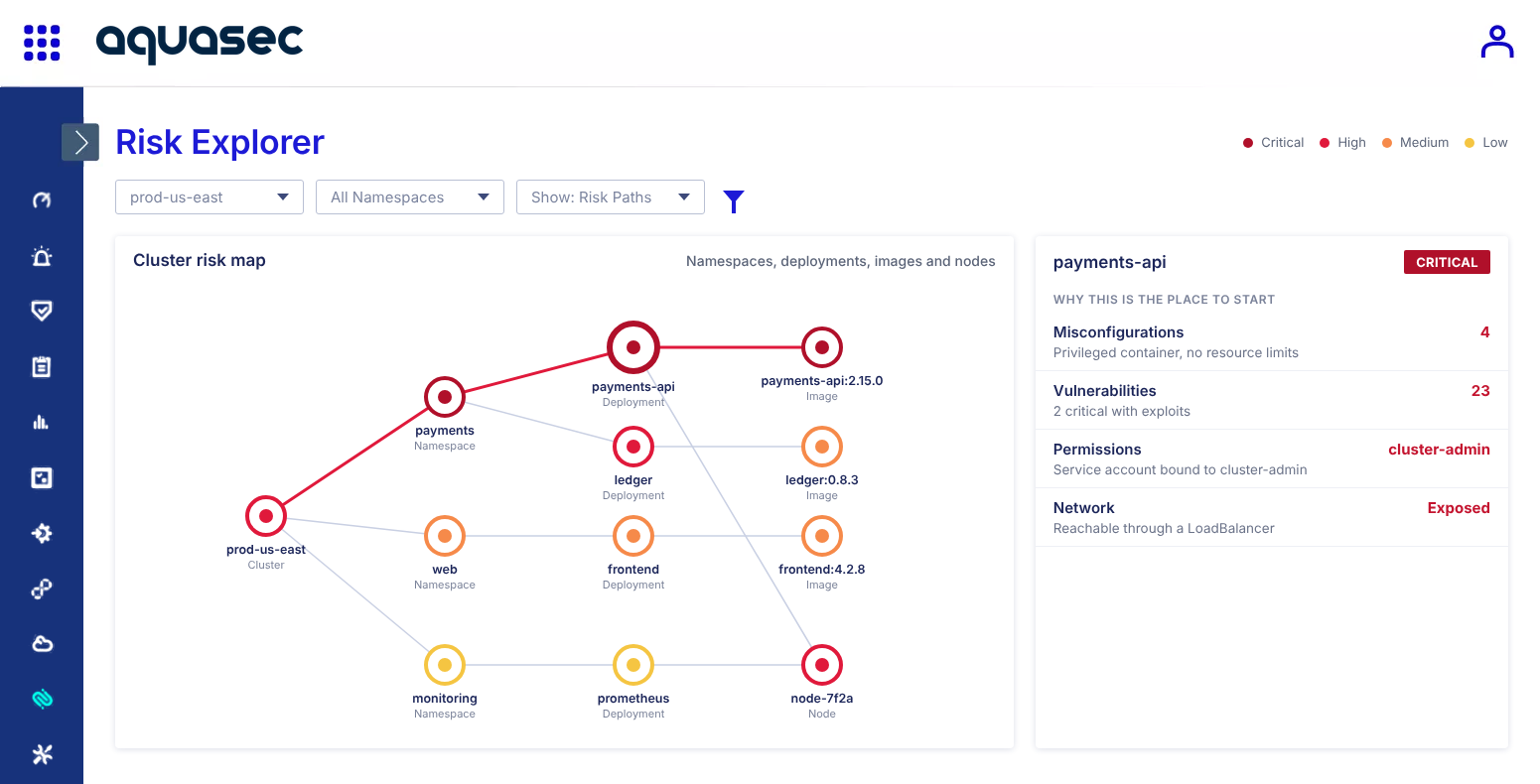
Unify cloud posture, image findings, workload context and runtime activity to understand risk across public cloud, private cloud and on premises infrastructure.
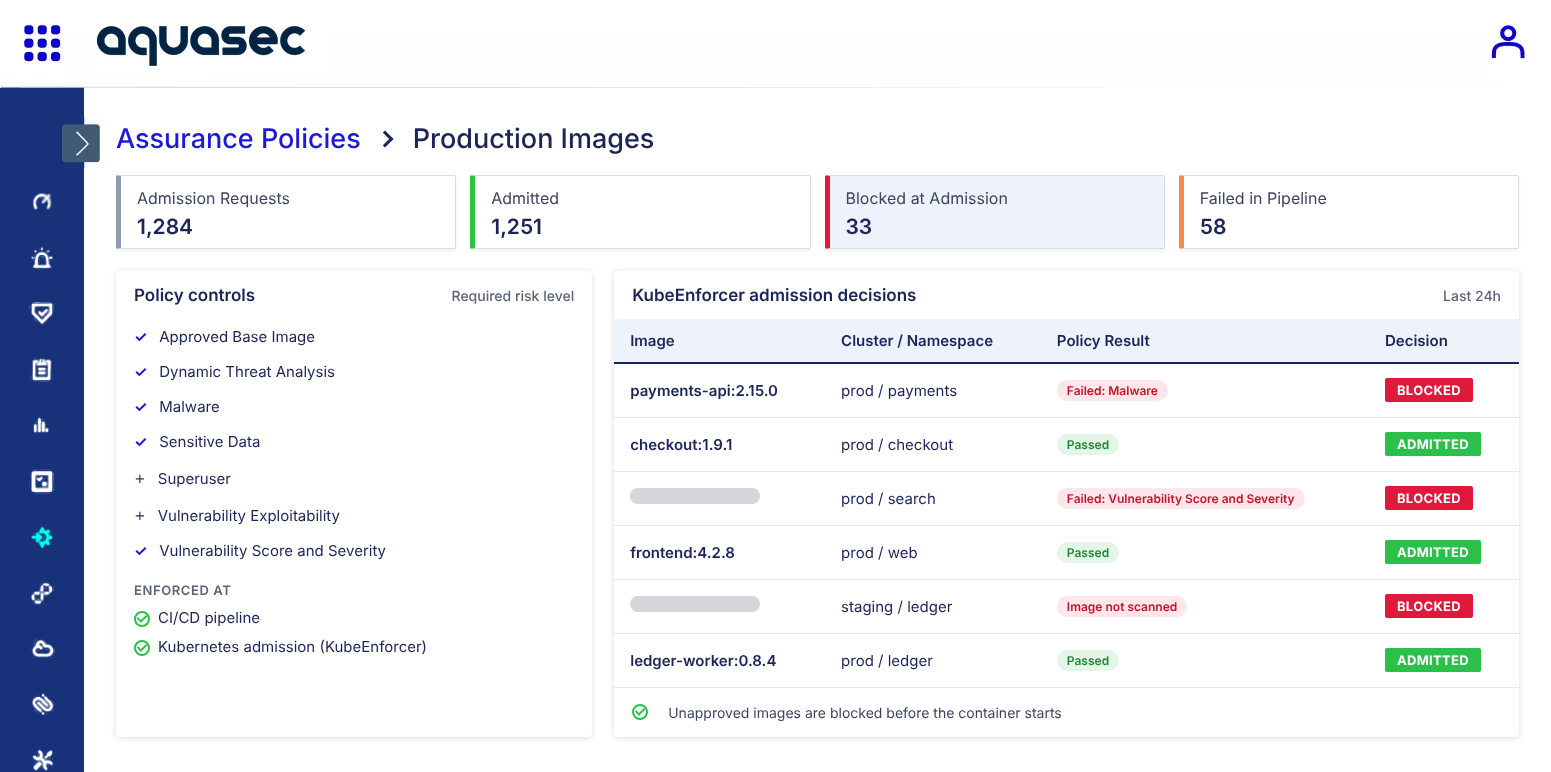
Standardize image assurance, admission and runtime policies across clouds and Kubernetes distributions so protection stays consistent as workloads move or platforms change.
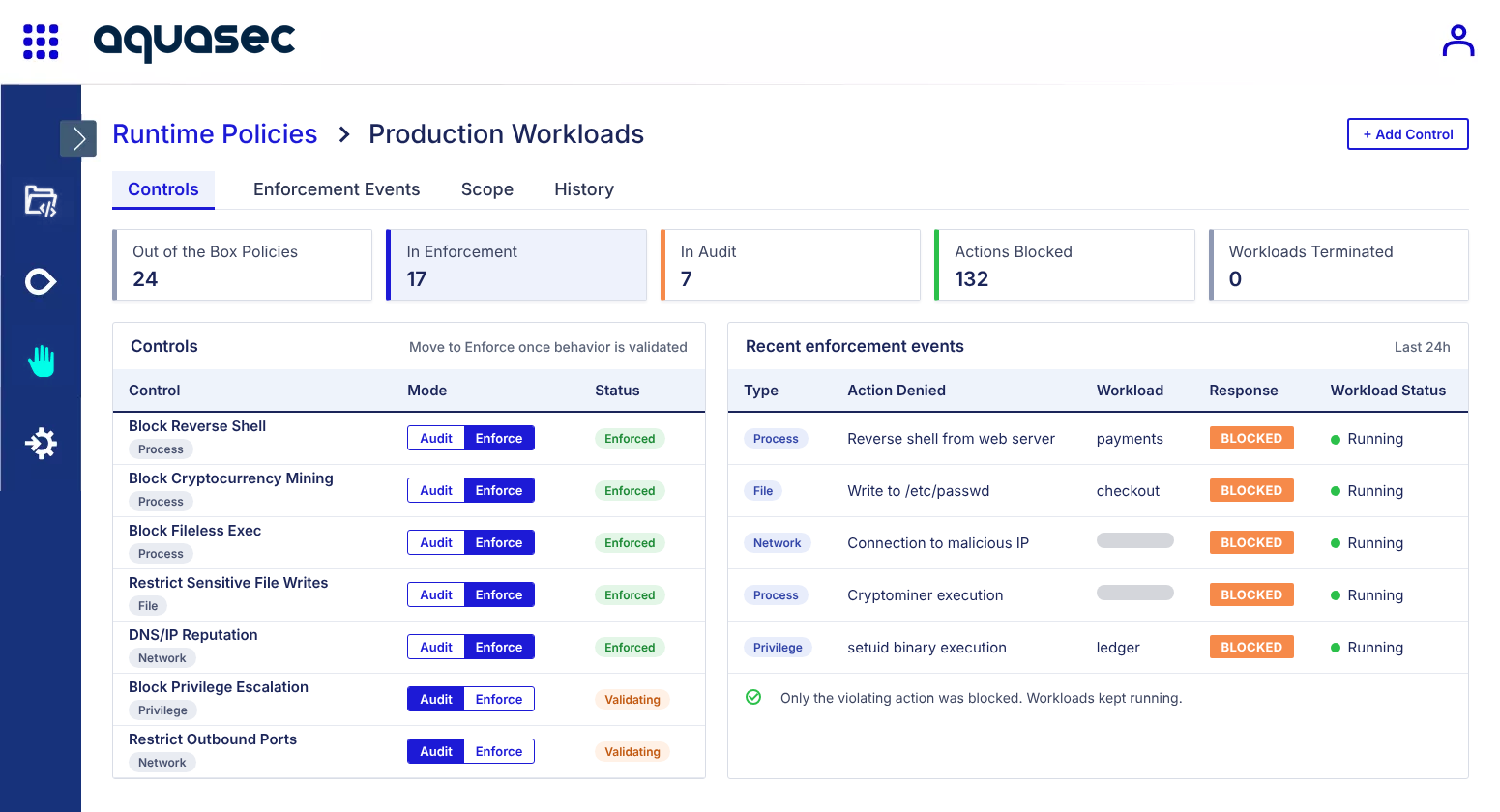
Maintain runtime control where workloads execute with an agent-based architecture that continues to enforce policy in disconnected and air gapped environments.
Integrate cloud providers, registries, CI/CD pipelines, Kubernetes platforms, SIEMs and operational tools into the workflows teams already use.
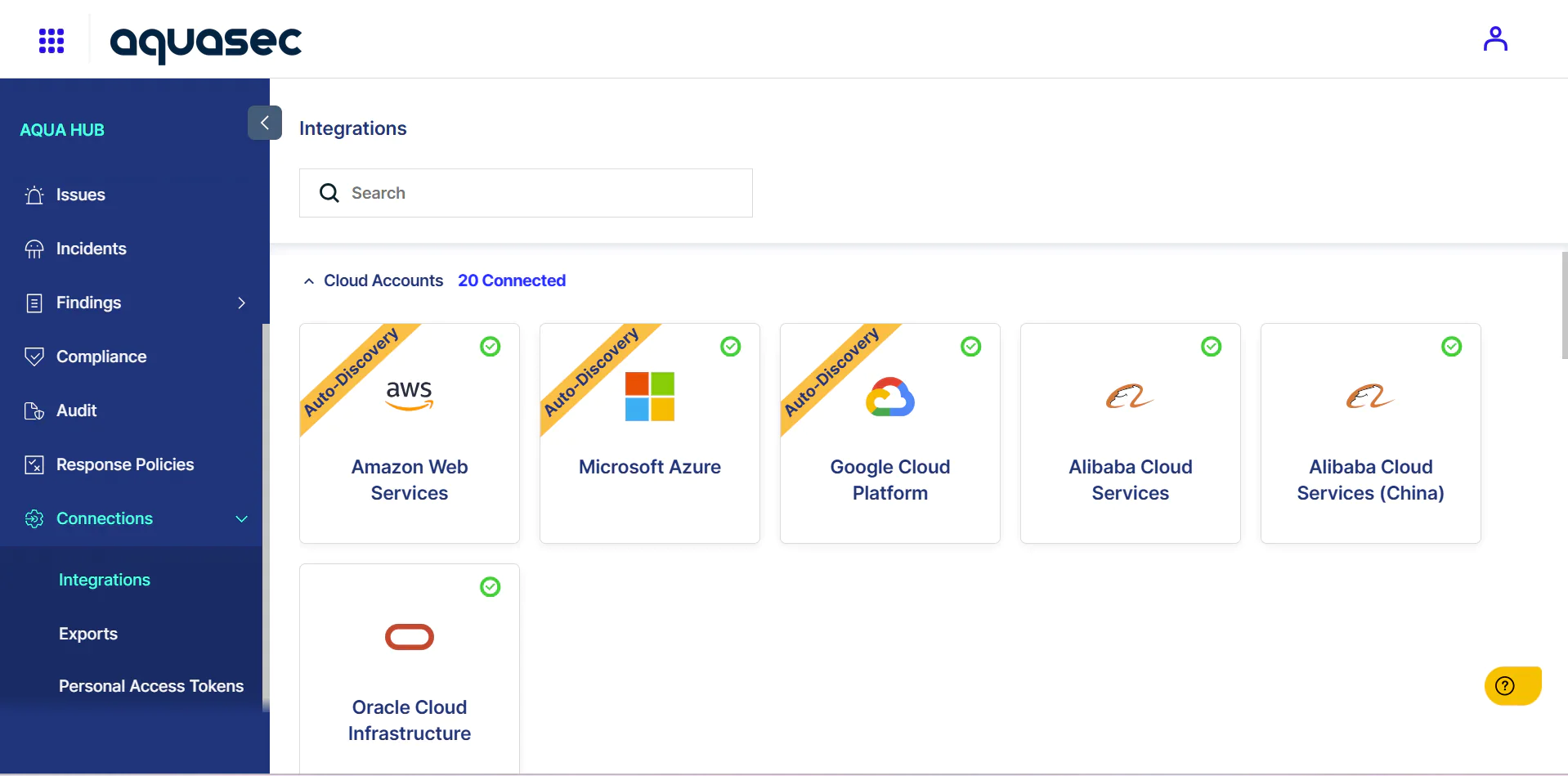
Yes. Aquasec deploys consistent security policy across AWS, Azure, Google Cloud, on-premises and air-gapped environments, giving teams the same visibility and controls wherever a workload runs.
Aquasec supports workloads across major cloud providers, container platforms and Kubernetes distributions, including AWS, Microsoft Azure, Google Cloud, Docker, Red Hat OpenShift and VMware Tanzu. Visit the Integrations page for current platform and service details.
Yes. Aquasec allows teams to apply consistent image, admission and runtime policies across clouds, clusters and workload types. Policies can be tailored where requirements differ without rebuilding the security program for every platform.
Yes. Aquasec’s agent based runtime protection enforces policy locally where workloads execute. This allows organizations to maintain visibility and control across on premises, disconnected and air gapped environments.
Aquasec integrates with registries, CI/CD pipelines, cloud providers, SIEMs and secrets managers across the cloud native ecosystem. See the Integrations page for the complete, up-to-date list.
See runtime control stop an attack the moment it tries to execute.